
Learn how to combine (merge) your CRM imported list with your WordFly signup list for a single campaign. This is helpful if you want to send one email campaign to both lists without changing the WordFly signup list.
When you are merging your signup list with a CRM-imported list, the key thing is to start with your CRM list import.
Go to the Subscribers step of your In Progress campaign

- Select the CRM integration option to import your CRM list
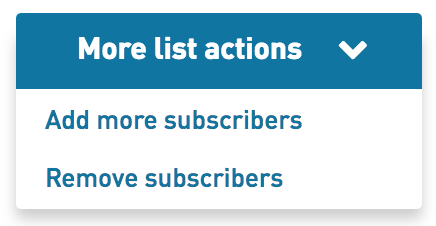
After you import your CRM list, select Add More Subscribers in the More List Actions menu
- Select the Add from Existing List option
Find your WordFly signup list and click Select

Subscribers from the selected list will be merged into the destination list.
Once merged, this step cannot be undone.