
You can quickly save a PNG or PDF of your email in WordFly that can use in presentations or other documents. Use these options to archive an email design or to do a final review before deploying your email.
Download PNG/PDFs from the Testing tab
- In your campaign or workflow, go to the Testing tab
- In the testing menu, click on the Download icon on the right
Select the file type from the Download window
Download PNG/PDFs from the Emails grid
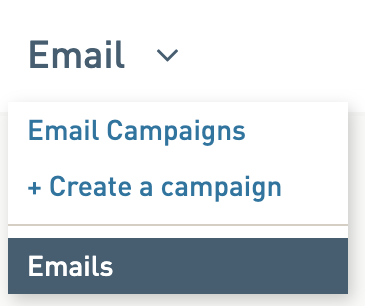
Go to Email > Emails
- Find the name of your email
- On the right side of the grid, click on the Download icon
- Select the file type from the Download window
Download PNGs from the preview window
- Open an email preview window by clicking on a magnifying glass icon
- Select the Desktop or Mobile icon, click the Download icon
The Desktop or Mobile icon you select determine which option you download.