
Join our benchmark program to compare your email marketing stats to similar organizations using WordFly. Compare opens, clicks, opt-outs, and campaign engagement rate. It’s completely anonymous. You can opt-out any time under Account > Account Options.
Join benchmark data sharing program
- Go to Account > Account Options

- Check the box to Enable benchmark data sharing
- Click Save
Review benchmark reporting
Go to Reporting > Compare Campaigns to compare your own data along with industry data from similar organizations.
- Go to Reporting > Compare Campaigns
- Select Campaign Type, Labels, and Date Range

- Under “Compared against…” select benchmarks you would like to see
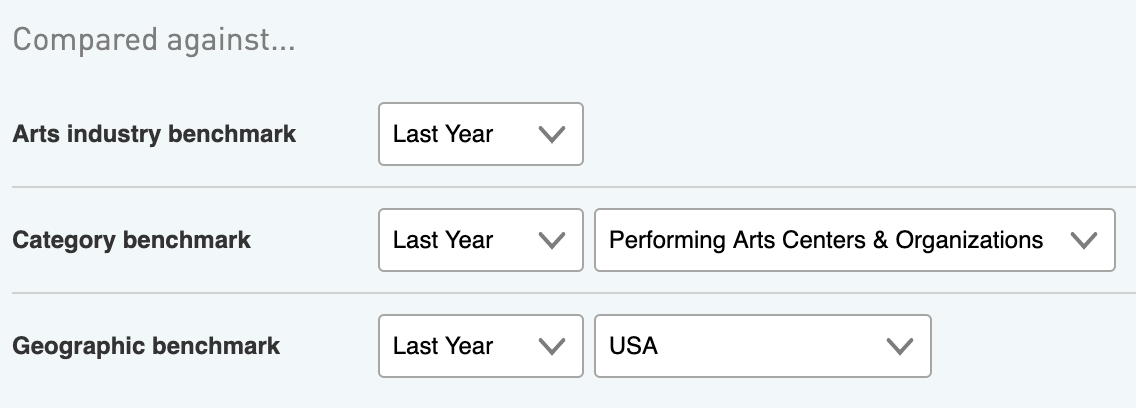
- Click Show Results

- Review
Your industry benchmarks appear at the top of your campaign comparison report